
Encrypt traffic in transit
VPN encryption can make traffic harder for people on the same local network to inspect. HTTPS remains important, and the VPN provider becomes part of the trust model.
Independent product guide • Updated August 6, 2026
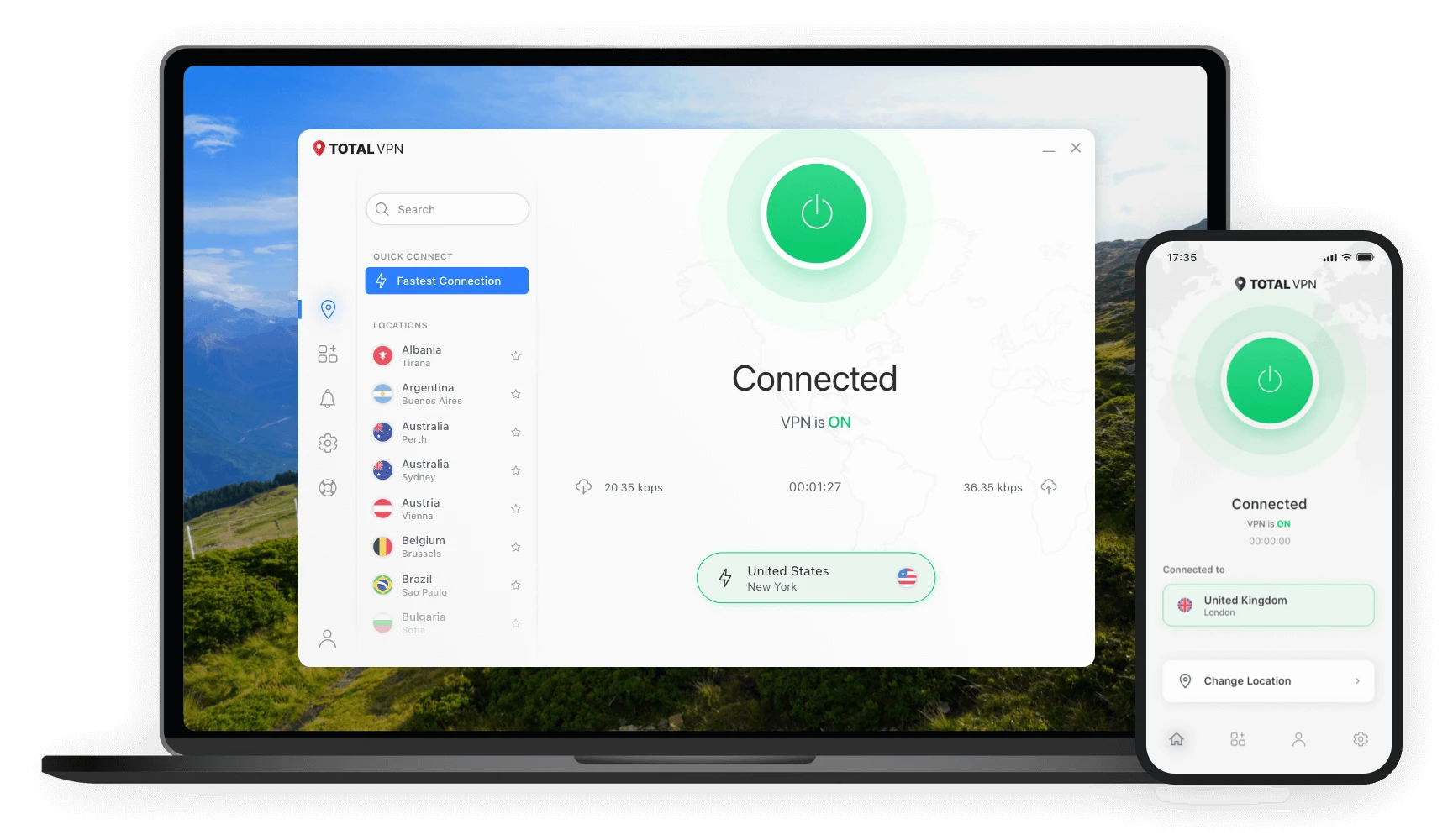
Total VPN is a virtual private network service designed to encrypt internet traffic, mask a public IP address and provide access to a global server network. This guide explains confirmed features, common use cases, limitations and the steps users typically follow to get started.
Offer, pricing, renewal terms and feature availability can change. Review the destination website before purchasing.
Quick answer
Total VPN is a software service that creates an encrypted connection between a user’s device and a VPN server. It can reduce exposure on untrusted networks, hide the device’s public IP address from websites and route traffic through servers in other locations. It does not make a user anonymous or eliminate every online risk.
Product overview
Total VPN is operated by Total Security Limited. It is aimed at everyday users who want a simpler way to add encryption to their internet connection, especially while using shared or public Wi-Fi. It may also help people who want to change the apparent region of their connection, subject to local law and the terms of the websites or services they use.
This guide separates confirmed product information from general VPN education. It does not claim that a VPN prevents malware, identity theft, phishing, tracking or account compromise by itself.
Read the purpose and limitations →Main benefits
A VPN changes how traffic travels between a device and the VPN provider’s server. The practical value depends on the user’s network, device, location and goals.
VPN encryption can make traffic harder for people on the same local network to inspect. HTTPS remains important, and the VPN provider becomes part of the trust model.
Websites generally see the VPN server’s IP address instead of the user’s home or mobile network IP. Other identifiers, cookies and account logins can still identify users.
Connecting through another country can change the apparent network location. Access is not guaranteed and users should follow applicable laws and platform terms.
Feature highlights
The most relevant capabilities are connection encryption, IP masking, a broad server network and apps for common platforms.
Protects data travelling through the VPN tunnel using a widely adopted encryption standard.
Official product pages describe more than 1,800 servers across over 80 countries. Network totals and locations can change, so users should verify current coverage before subscribing.
Supports modern versions of Windows, macOS, Android and iOS. Features can vary by platform.
Users generally install the app, sign in, select a location and connect through the dashboard.
How it works
Open the destination page and check the current price, renewal terms, included tools and refund conditions.
Use accurate account details and keep the password unique. This guide never collects account credentials.
Download the app for the device, grant only necessary permissions and complete the setup prompts.
Select a suitable location, confirm the connection indicator and test the connection before relying on it.
Practical use cases
Add an encrypted tunnel when connecting through cafés, airports, hotels or other shared networks.
Reduce direct exposure of the home IP address to websites and network intermediaries.
Connect through a chosen region while away from home, subject to local rules and service terms.
Add a privacy layer for general internet access. It does not replace an employer’s approved corporate VPN.
Comparison
| Criterion | VPN | Incognito mode | Basic web proxy |
|---|---|---|---|
| Encrypts device traffic | Usually, while connected | No | Usually only browser traffic; varies |
| Masks public IP from websites | Yes, for routed traffic | No | Often for proxied browser traffic |
| Stops local history storage | No | Helps within the private session | No |
| Prevents account tracking | No | No | No |
Trust through transparency
A VPN is not a complete security solution. It does not replace software updates, strong passwords, multi-factor authentication, antivirus tools, encrypted websites or careful decisions about downloads and links.
Read the full disclaimer →Frequently asked questions
While the VPN connection is active, websites generally see the selected VPN server’s public IP address. Cookies, account logins, browser fingerprinting and other identifiers may still be used to recognize a user.
Total VPN lists support for modern Android and iOS devices, as well as Windows and macOS. Check the destination page and app-store listing for current compatibility.
No. Promotional prices, renewal rates, bundles and terms may change. This guide intentionally does not publish a fixed price and links users to the current offer.
No. A VPN can mask an IP address and encrypt routed traffic, but it does not remove cookies, stop account-based tracking or prevent all forms of identification.
All account-related buttons on this independent guide use the supplied affiliate destination. Confirm the domain and terms before entering personal or payment information.
Learning center
Learn what a VPN tunnel changes, what it does not change and how to evaluate common privacy claims.
A practical checklist for airports, hotels, cafés and other shared networks.
Understand the usual account journey, credential safety and troubleshooting steps.
Ready to review the offer?
Confirm the current price, renewal conditions, included features and refund rules on the destination website.